
Most inbound WhatsApp volume is repetitive: hours, address, price range, “is this in stock?”, payment methods, return policy. If every agent retypes answers, you pay for inconsistency — and slow first responses.
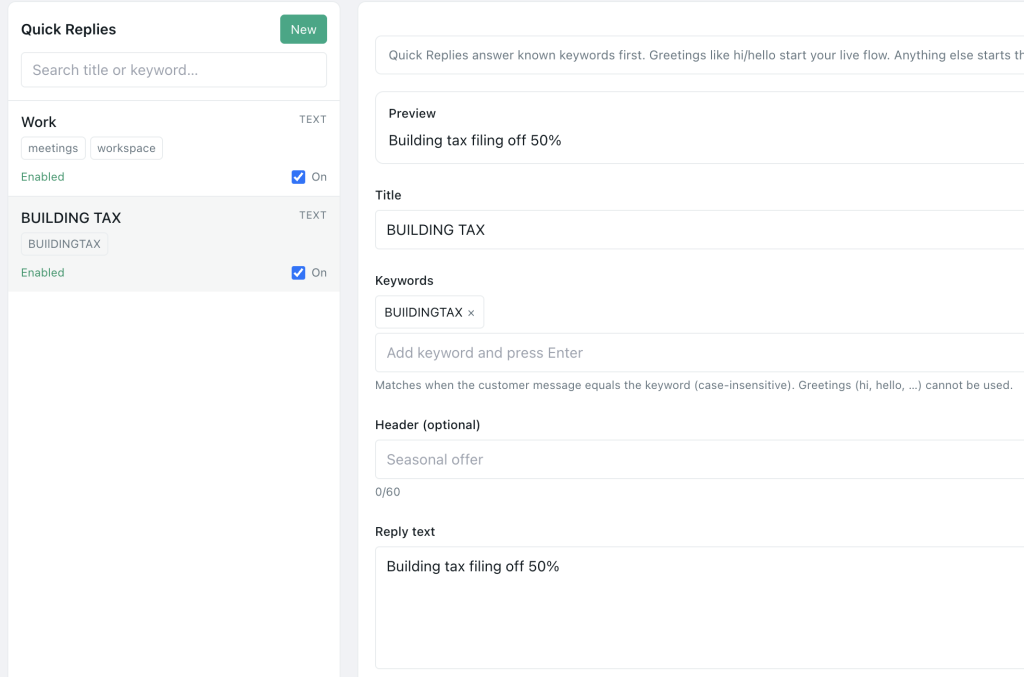
Quick replies (canned responses) fix that. One library, shared voice, inserted in a tap. In Pyngdesk, manage them under Quick Replies (/quick-replies) and use them from the shared Chats inbox.
Quick replies vs message templates vs flows
| Tool | Best for |
|---|---|
| Quick replies | Human agents speeding up common answers inside an open chat |
| Message templates | Meta-approved outbound structures outside the care window |
| Flows | Automated menus and paths before or instead of a human |
Use all three. Do not force a flow when a human with a good quick reply is faster — and do not use a marketing template when you are mid-conversation in-window.
Build a library that agents will actually use
Start with the top 15
Mine last week’s chats. Rank by frequency. Typical SME set:
- Greeting / thanks for messaging
- Business hours
- Address + location landmark
- Parking / delivery areas
- Price list pointer or range
- How to order
- Payment methods (UPI, COD, card)
- Current lead time / SLA
- Return / exchange policy (short)
- “Let me check and reply in 10 minutes”
- Ask for order ID / photo
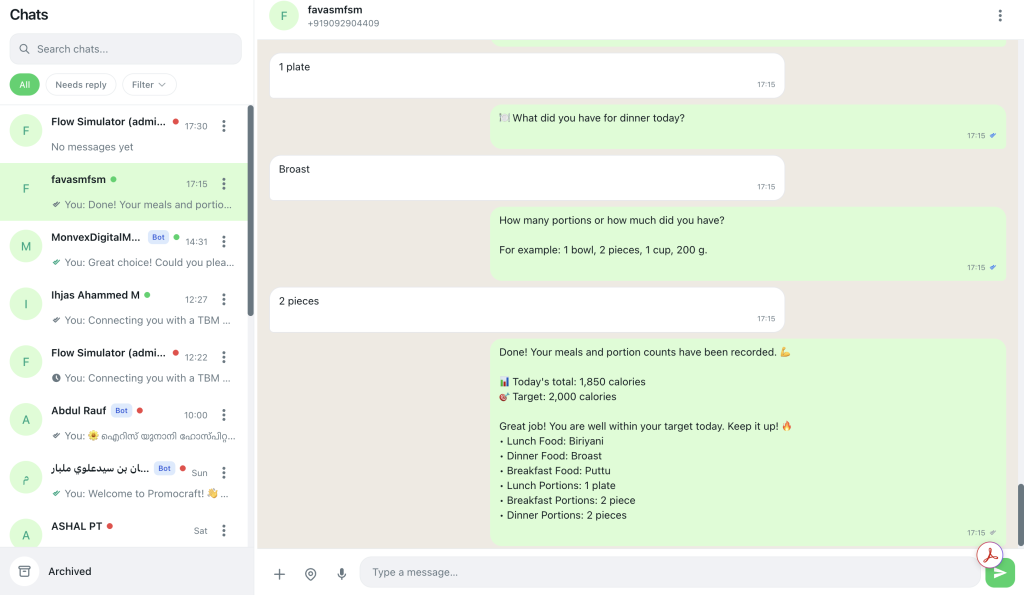
- Escalation: “Connecting you with a specialist”
- Closing: anything else?
- After-hours expectation
- Opt-out acknowledgement for marketing STOP
Write for the ear
Short paragraphs. One idea per reply. Include the next question you need (“Share your order ID”) so the thread moves.
Keep a human tone
Quick replies should sound like your best agent on a good day — not a legal PDF.
Governance: prevent library chaos
Rules:
- One owner (support lead) approves new replies
- Naming convention —
hours_ist,address_store,price_frames_a4 - Review monthly — delete stale festival hours
- Language variants — separate replies per language, do not mash scripts
- No secrets — never put internal discount codes meant for VIPs only in a global reply without labelling
Reserved greeting-style replies may interact with live flows — coordinate with whoever owns Flows so greetings do not conflict.
How to roll out in Pyngdesk
- Open Quick Replies (
/quick-replies). - Create the top 15 with clear titles agents can scan.
- Train the team in Chats: insert reply → personalise one line → send.
- Pair with contact tags so agents know when to use VIP variants.
- Measure first-response time before/after for two weeks.
Admins should ensure staff have page access to quick replies via your organisation access settings if restricted.
Personalisation still matters
Quick replies are drafts, not autopilot.
Always customise:
- Customer name
- Order-specific facts
- Empathy line on complaints
A raw dump of policy text on an angry customer is worse than typing slowly.
Metrics
- Median first response time
- Agent private feedback: “which replies feel wrong?”
- Repeat clarifications (“that price is outdated”) — fix the library
- CSAT / complaint rate if you track it
Quick replies checklist
- Top 15 live in Pyngdesk
- Titles searchable and consistent
- Hours/address verified this month
- STOP / opt-out reply exists
- Agents trained to personalise
- Owner assigned for updates
- Conflicts with flows reviewed
Frequently Asked Questions
Are quick replies approved by Meta?
They are agent-assisted messages inside conversations, not the same as marketing templates. Still follow normal messaging and business policies.
Can each agent keep private macros?
Prefer a shared library for brand consistency; allow a few personal notes outside the product if needed.
Should prices live in quick replies?
Only if updated often. Otherwise point to a flow, catalogue, or “we will confirm today’s price.”