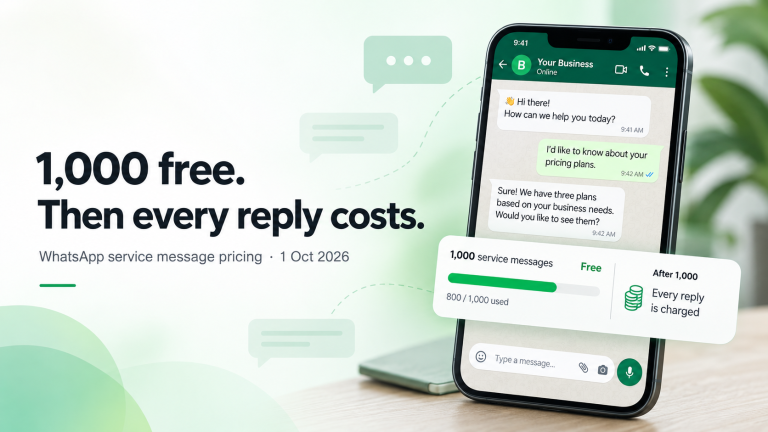
If you run customer conversations on WhatsApp, you have almost certainly used the WhatsApp Business App. It is free, familiar, and good enough when one person answers every “Is this still available?” message.
The problem starts when volume grows. Two teammates share one phone. Someone forgets to reply. You want order updates, broadcasts, and automations — and Meta’s consumer-facing Business App was never built for that.
That is when teams look at the WhatsApp Business Platform (the official Cloud API / Business API). This guide explains the real differences, the trade-offs, and when upgrading to an API-based tool like Pyngdesk is worth it.
Quick comparison
| Capability | WhatsApp Business App | WhatsApp Business API (via Pyngdesk) |
|---|---|---|
| Cost to start | Free | Platform plan + Meta conversation charges |
| Devices | One primary phone / linked devices with limits | Team inbox in the browser; multiple agents |
| Broadcast lists | Limited, app-style lists | Template campaigns with audience filters and throttling |
| Message templates | Not the same Meta-approved template system | Create, submit, sync, and campaign with approved templates |
| Automations | Labels, quick replies, greeting message | Flows, datasets, integrations (Shopify, WooCommerce, Tally) |
| Compliance tooling | Manual discipline | Opt-out/block handling, quality visibility, paced sends |
| Shared ownership | Password / phone sharing is common (and risky) | Organisation seats, admin vs staff roles |
What the WhatsApp Business App is good at
The Business App shines for:
- Solo operators (one shop, one number, one person)
- Low daily volume (dozens of chats, not hundreds)
- Simple catalogue and labels without needing campaigns or ERP sync
- Getting started fast — download, verify, start chatting
If that is still your reality, stay on the app. Do not pay for API tooling until the pain is real.
Where the Business App breaks down
Teams usually hit one or more of these walls:
- Shared phone syndrome — The business number lives on one handset. Holidays, sick leave, or night shifts become crises.
- No proper team inbox — Linked devices help a little; they do not give role-based access, auditability, or a shared work queue.
- Broadcast limits and reputation risk — App-style blasts do not give you Meta template workflows, paced API delivery, or campaign analytics the way a Business Platform setup does.
- No serious automation — You cannot reliably trigger order confirmations from Shopify, send Tally invoice PDFs, or run visual conversation flows.
- Credential chaos — Sharing the Meta / WhatsApp login with freelancers is a security and continuity risk.
When two or more people need the same number every day, you have outgrown the app.
What the WhatsApp Business API actually is
The WhatsApp Business Platform (Cloud API) lets software talk to WhatsApp on behalf of your verified business number. You do not “hack” a phone. You connect a WhatsApp Business Account (WABA) through Meta, then use a provider (or Meta’s own tools) to send and receive messages.
Key concepts:
- WABA — Your business account at Meta
- Phone number ID — The API identity of your display number
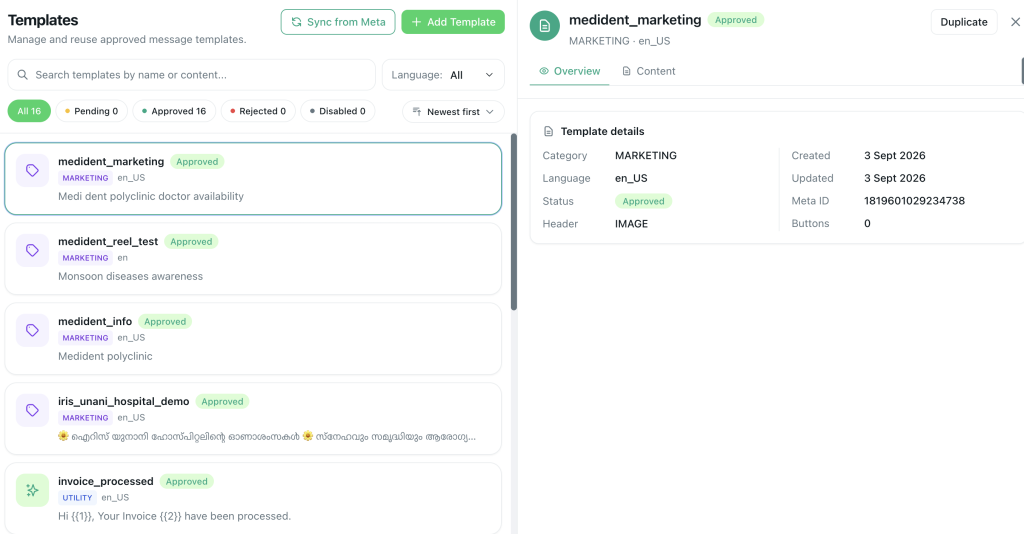
- Message templates — Pre-approved message formats for outreach outside the 24-hour customer care window
- Quality rating & messaging limits — Meta’s trust signals that affect how much you can send
Pyngdesk sits on top of that API: chats, contacts, templates, campaigns, flows, quick replies, datasets, and integrations — with organisation roles so staff never need your Meta password.
Feature-by-feature: App vs API for growing teams
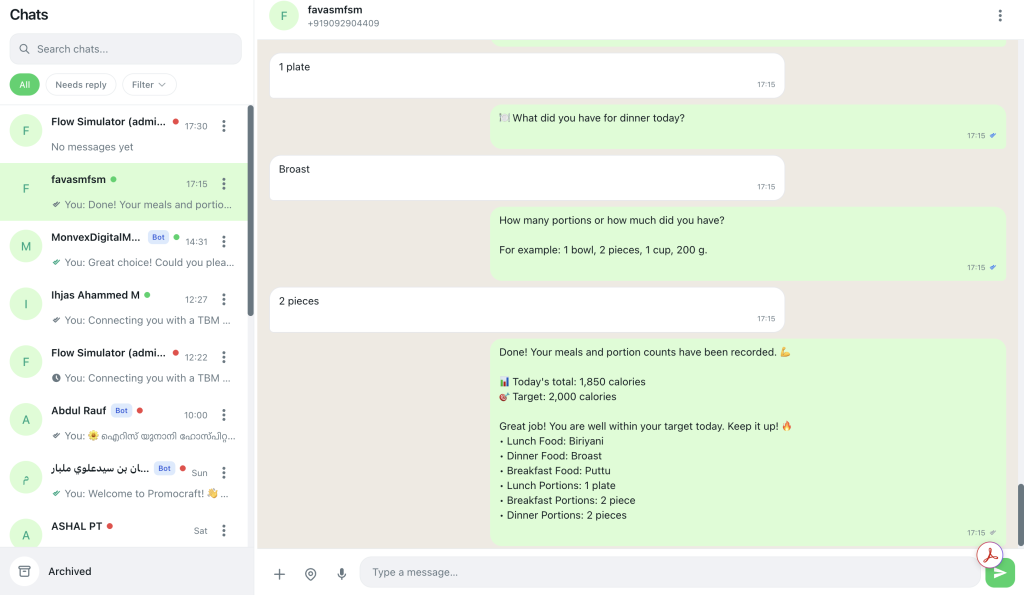
Shared inbox
App: One person is the bottleneck.
API + Pyngdesk: Open Chats (/chats). Multiple admins and staff in the same organisation see conversations, reply from the browser, and keep history in one place.
Templates and marketing
App: Informal broadcasts; limited governance.
API + Pyngdesk: Create templates under Templates (/templates), submit to Meta, wait for Approved, then use them in Campaigns (/campaigns) with tags, groups, and throttled delivery.
Automations
App: Greeting message and quick replies only.
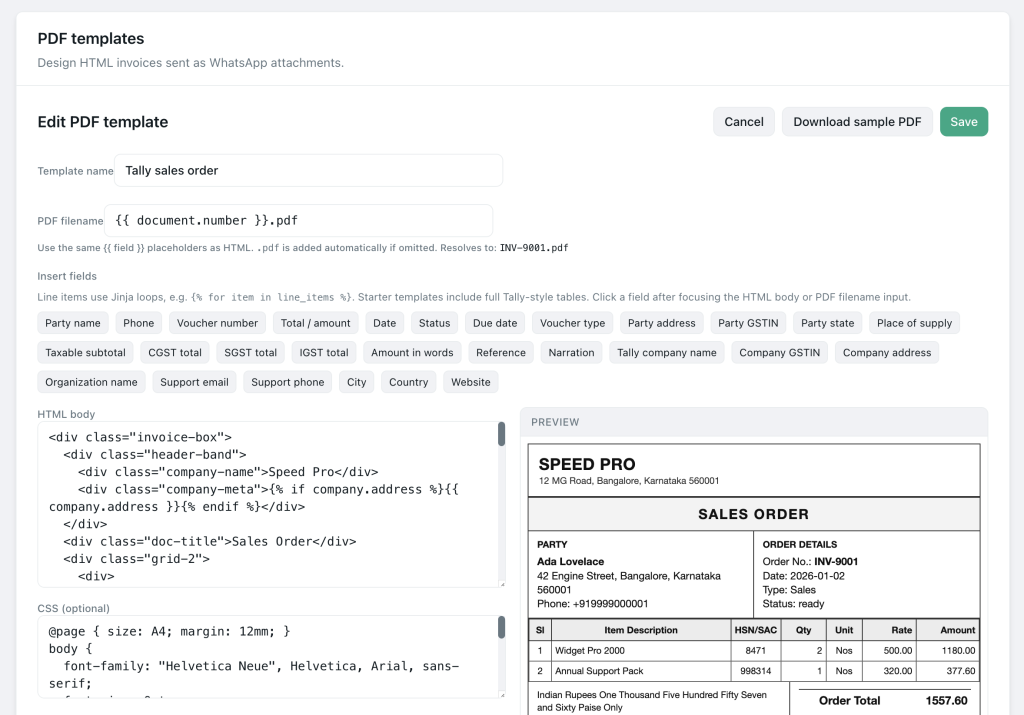
API + Pyngdesk: Build Flows (/flows), use Quick Replies (/quick-replies), connect Integrations (/integrations) for Shopify, WooCommerce, or TallyConnect, and attach PDF invoices where configured.
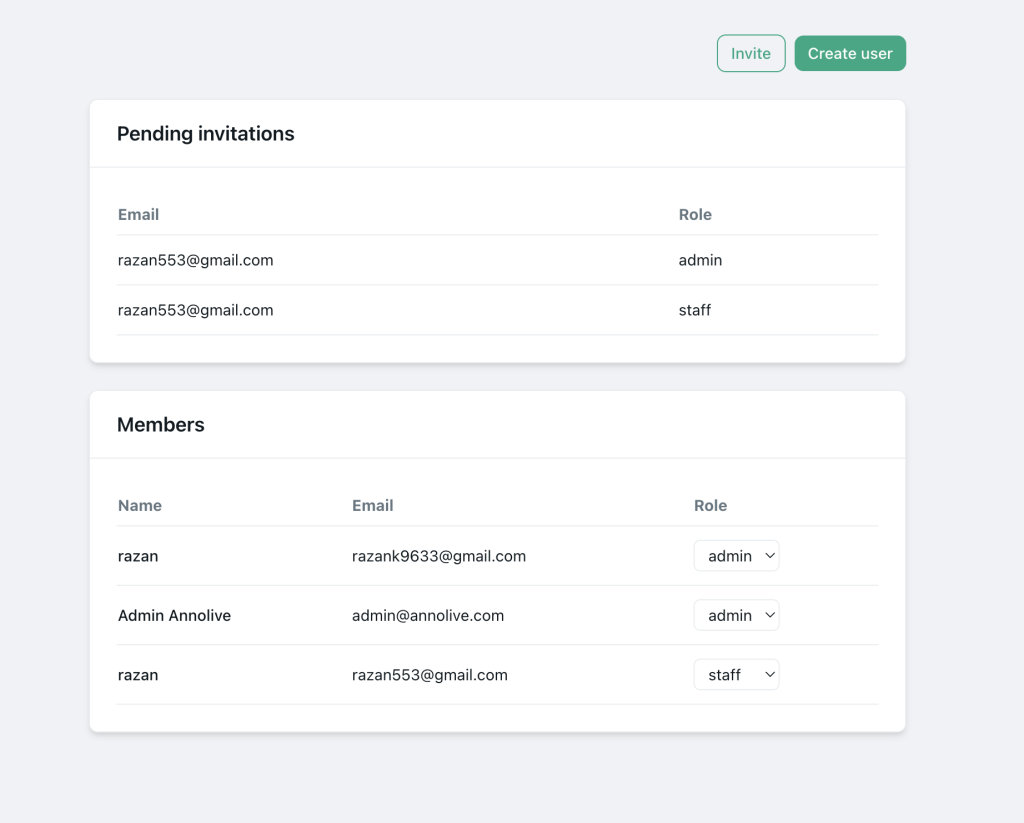
Team access
App: Share a phone or password.
API + Pyngdesk: Invite people under Organisation → Members (/organization/members) as admin or staff. Admins manage WhatsApp setup and billing; staff work the product without owning Meta credentials.
Cost: free app vs API economics
The Business App feels free because Meta is not charging you platform fees the same way. The API introduces:
- Meta conversation / messaging charges (billing depends on category, region, and Meta’s current pricing)
- Your software subscription (Pyngdesk plans cover seats, campaign volume, storage, and related quotas)
Think of it as paying for reliability, team scale, and compliance tooling. If WhatsApp drives revenue or support load, the cost is usually easier to justify than a missed order or a banned number from unsafe blasting.
Migration checklist: App → API
- Pick the number — Prefer migrating the number customers already know. You typically cannot keep the same number active on the consumer Business App and the API at once; disconnect the app first and allow a short wait before API registration.
- Connect via Embedded Signup — In Pyngdesk go to WhatsApp setup (
/whatsapp/onboarding) and complete Connect with WhatsApp. - Confirm quality and display name — Check verified business name and quality rating before large campaigns.
- Import contacts carefully — Use Contacts (
/contacts) with tags that reflect real opt-in (promo-opt-in,customers, etc.). Do not upload purchased lists. - Approve one utility template — Order update or appointment reminder is a safer first template than a hard sell.
- Train the team on Chats — Show staff how to reply, use quick replies, and honour STOP requests.
- Retire phone sharing — Once the API inbox works, stop using the old handset as the source of truth.
Decision framework: stay or upgrade?
Stay on the Business App if:
- One person handles nearly all chats
- You send few or no broadcasts
- You do not need ecommerce/ERP message triggers
- Volume is manageable without night coverage
Upgrade to the API (Pyngdesk) if:
- Two or more people need the same WhatsApp number
- You need Meta-approved templates and measurable campaigns
- You want flows, catalogues of automations, or store/ERP integrations
- You are tired of sharing passwords and losing chat context
- Compliance and quality rating matter to your brand
Frequently Asked Questions
Is the WhatsApp Business API only for enterprises?
No. Many SMEs use it once they need a team inbox or proper campaigns. Plans and tooling (like Pyngdesk) exist specifically for smaller organisations.
Can I keep using the Business App after connecting the API?
Not with the same number as your primary API sender. Plan a clean cutover.
Will customers notice the switch?
They still message the same display number. What changes is how your team works behind the scenes.
Do I need a developer to use the API?
Not with Pyngdesk. Embedded Signup and the product UI cover day-to-day messaging; developers are optional for custom integrations.