Local retail runs on WhatsApp already: “Rate?”, “Available?”, “Location?” — often after 8pm. Owners either ignore messages until morning or type the same answers hundreds of times a week.
Automation will not replace the shop-floor smile. It will answer the repetitive questions instantly, show a photo or map, and pass serious buyers to a human. That is the Pyngdesk pattern: Flows for the routine, Chats for the close.
This playbook is written for photo studios, framing shops, boutiques, clinics, service counters, and similar local businesses.
What “good” looks like for a local shop
A customer messages at 9:40pm:
- Bot greets with your shop name
- Offers: Prices / Photos / Location / Talk to us
- Prices path sends a clear band + “custom quotes in person”
- Photos path sends 1–2 catalogue images
- Location path sends a pin + hours
- Talk-to-us creates an expectation: “We reply from 10:00”
No fake “agent typing” theatre. No seven-level menus.
Step 0 — Foundations
- Move to the WhatsApp Business API via Pyngdesk Embedded Signup (
/whatsapp/onboarding) when you need a team or proper automations. - Invite family/staff seats (
/organization/members) — stop sharing one phone. - Tag contacts (
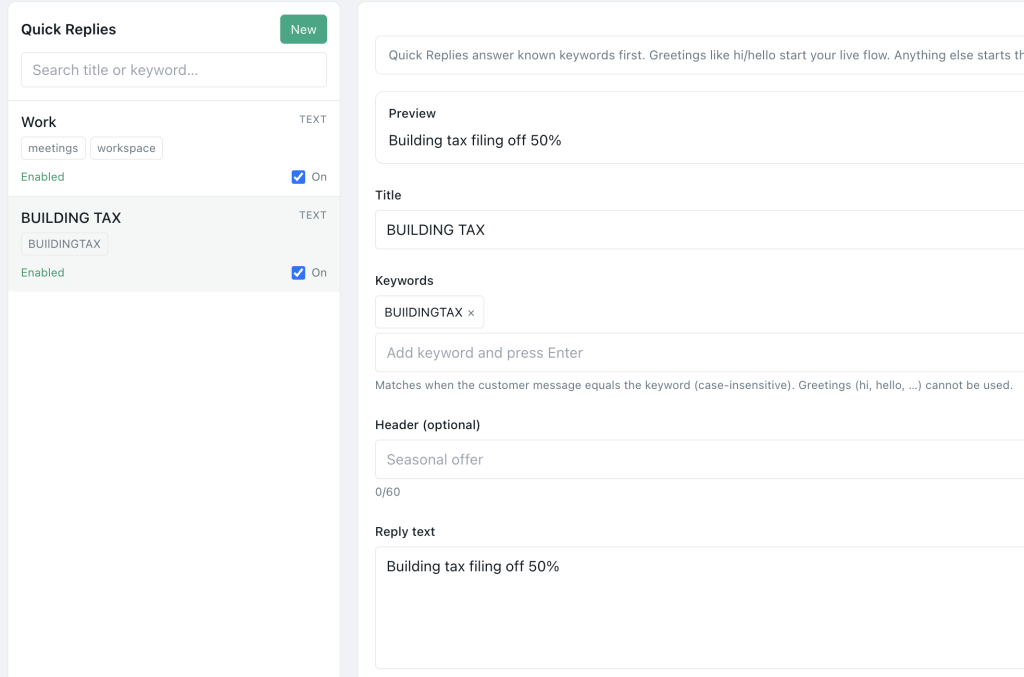
walk-in,wedding,wholesale) in Contacts. - Build Quick Replies for humans on shift.
Flow blueprint (copy this structure)
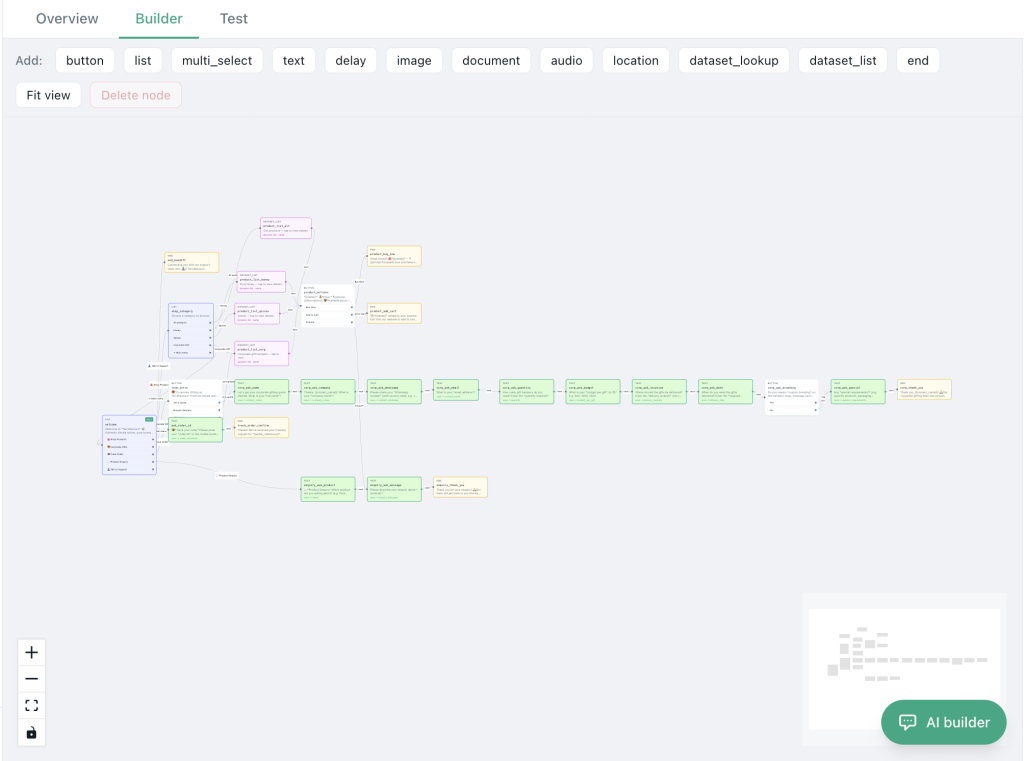
Node 1 — Welcome
“Thanks for messaging {{ShopName}}. What do you need?”
Buttons:
- Prices
- See photos
- Location & hours
- Chat with us
Node 2a — Prices
Send a short price card (e.g. A4 frame range). Add: “Share the size or a photo for an exact quote.”
Node 2b — Photos
Send 1–2 strong product images. Avoid dumping ten media files at once.
Node 2c — Location
Send location card + hours + landmark (“opposite City Mall”).
Node 2d — Human
“A teammate will reply during 10:00–19:00. If urgent, call {{phone}}.”
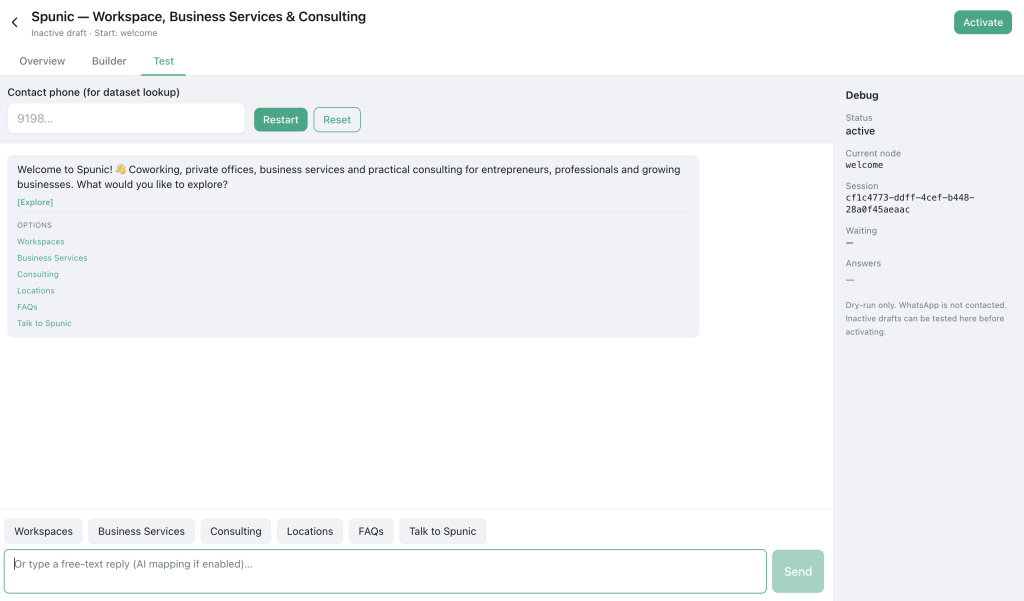
Build this on Flows (/flows). Use dry-run before activating. Keep the flow’s job narrow.
Campaigns local shops should (and should not) run
Do
- Festive hours utility/notice to opted-in locals
- “Order ready for pickup” utility messages
- Small segmented offers to
promo-opt-intags
Do not
- Blast every number that ever asked a price
- Buy neighbourhood lead lists
- Send daily “Good morning” spam
Use Campaigns with tight segments. Throttle first sends.
Photo and framing studio example (composite)
A framing shop in a Tier-2 city might automate:
- Office location pin
- Sample framed photo image
- A4 pricing band
- Handoff for custom sizes
That pattern generalises to jewelers (collections photos), clinics (address + appointment intent), and tutors (fees + demo slot intent).
Staffing the human moments
Automation increases evening enquiries. Plan:
- Morning sweep of overnight Chats
- Quick replies for quote follow-ups
- Tag hot leads
visit-today - Optional: assign one person as WhatsApp owner per shift
Local retail launch checklist
- WABA connected in Pyngdesk
- Welcome flow live with human escape
- Location pin tested on a real phone
- Price bands accurate this month
- Photos compressed but clear
- Hours match the door sign
- Staff know dry-run vs live
- Opt-in tags for any offers
Frequently Asked Questions
Will customers hate the bot?
They hate ignored messages more. Keep paths short and offer a human.
Do I need Shopify?
No. Local retail often needs flows + inbox first. Add ecommerce integrations when you sell online.
Can I use regional language?
Yes — write flows in the language customers type. Separate templates per language for campaigns.