Bad WhatsApp bots are famous: endless menus, no escape hatch, and a cheerful “How can I help?” that helps no one.
Good WhatsApp flows are quieter. They answer the top questions, collect the right intent, show a photo or location when it matters, and pass to a human before frustration spikes.
This guide covers conversion-minded flow design and how to build and dry-run flows in Pyngdesk.
What a flow is (and is not)
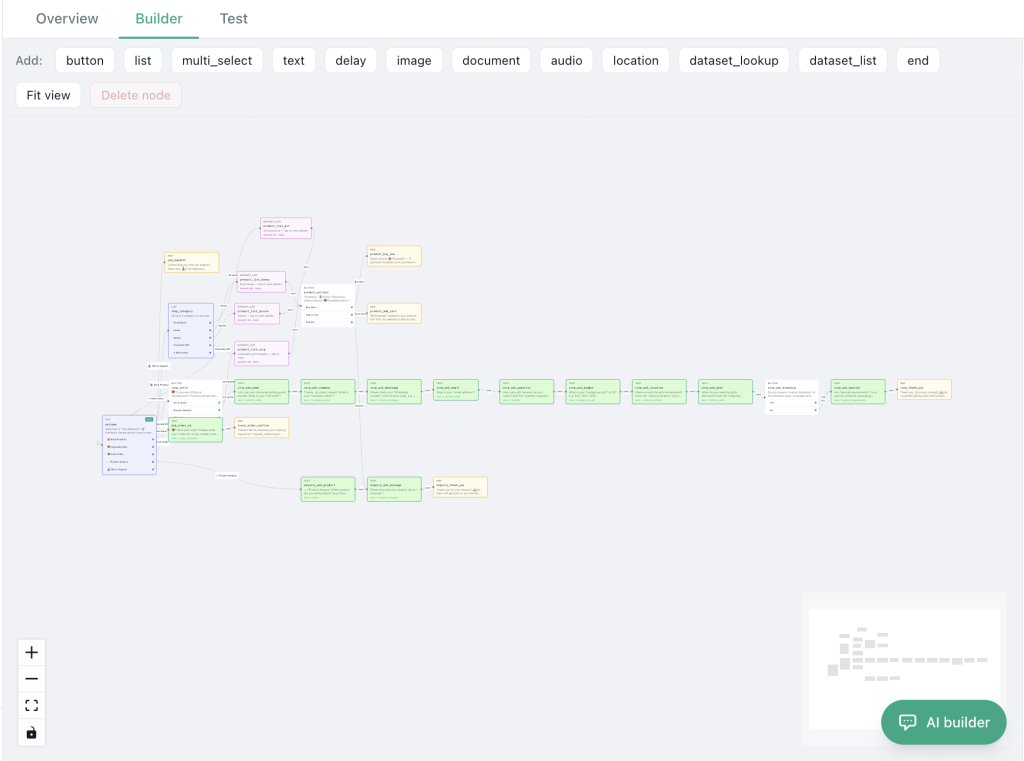
A flow is a guided conversation path: triggers, messages, choices, media, and branches.
It is not:
- A replacement for your entire support team
- A place to hide pricing behind seven taps
- An excuse to ignore the 24-hour / template rules for outbound spam
Use flows for inbound journeys and structured paths customers choose — catalogue help, store locator, framing sizes, FAQs, lead qualification.
Conversion principles for WhatsApp automation
1. One job per flow
Each live flow should do one primary job: “Share price list,” “Book intent,” “Send location,” “Qualify lead.” Mega-flows become mazes.
2. Time-to-value under 15 seconds
First useful answer should arrive fast — hours, price band, or “talk to us” — not a corporate essay.
3. Always offer a human path
Every menu needs a clear “Chat with the team” (or equivalent). Traps destroy trust and invite blocks.
4. Show, do not only tell
Product image, document, or location pin beats a paragraph. Pyngdesk flows support rich message types you can preview in the builder.
5. Speak like your shop
Short sentences. Local language if that is how customers write. No “Dear Valued Customer” energy.
High-converting flow patterns
Pattern A — Intent router (after hours or always-on)
- Welcome + business name
- Buttons: Prices / Location / Talk to us / Track order
- Each branch answers or hands off
Pattern B — Product qualifier
- “What are you looking for?”
- 2–3 clarifying choices
- Send image + price range
- CTA: “Reply with your preferred size” or handoff
Pattern C — Lead capture lite
- Qualify budget or city
- Ask one contact detail if missing
- Confirm “Someone will reply within business hours”
- Notify staff via your normal ops channel
Pattern D — Local store helper
- Share location pin
- Today’s hours
- Parking / landmark note
- Optional catalogue PDF
Build flows in Pyngdesk
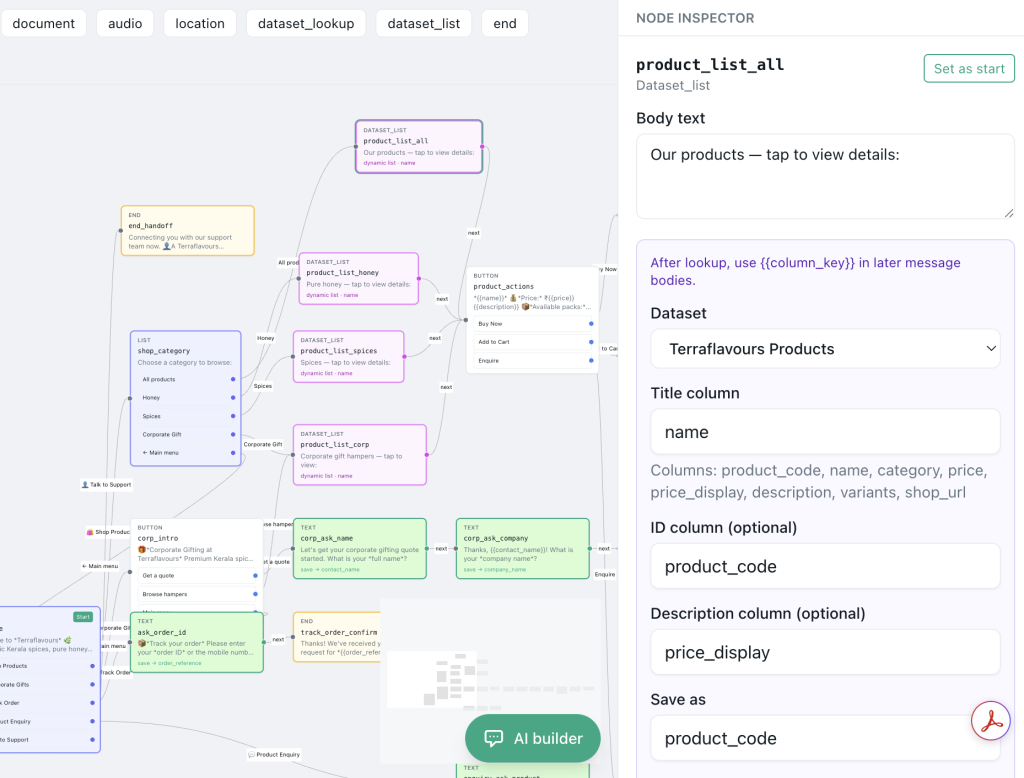
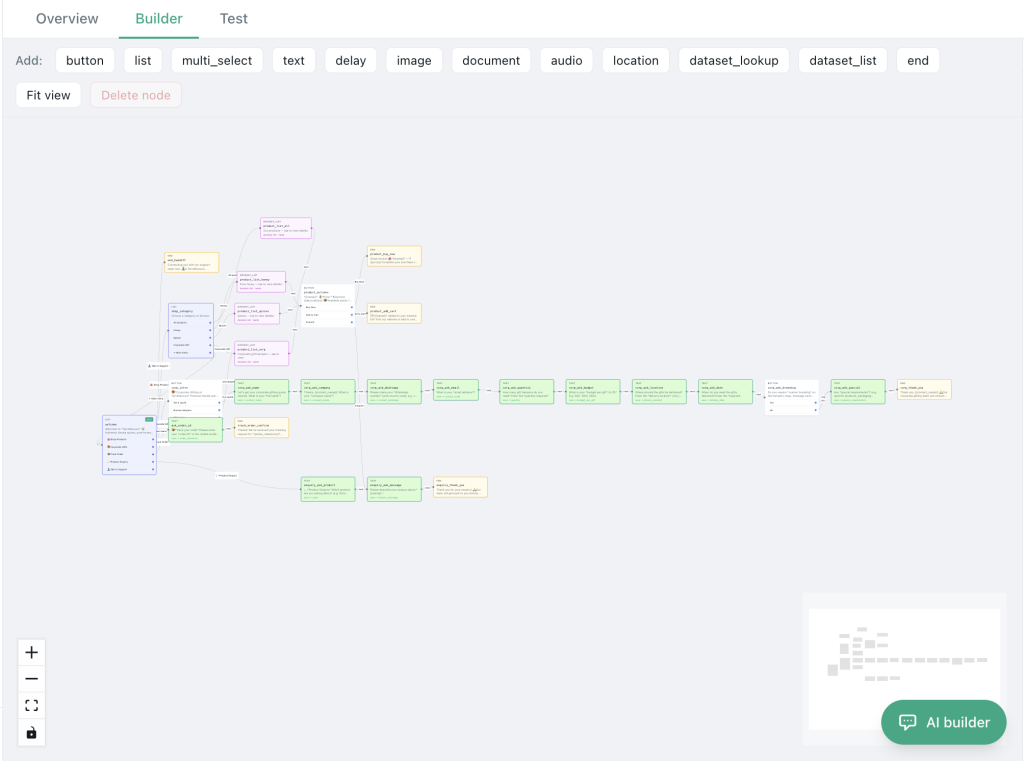
- Open Flows (
/flows). - Create or open a flow on the canvas.
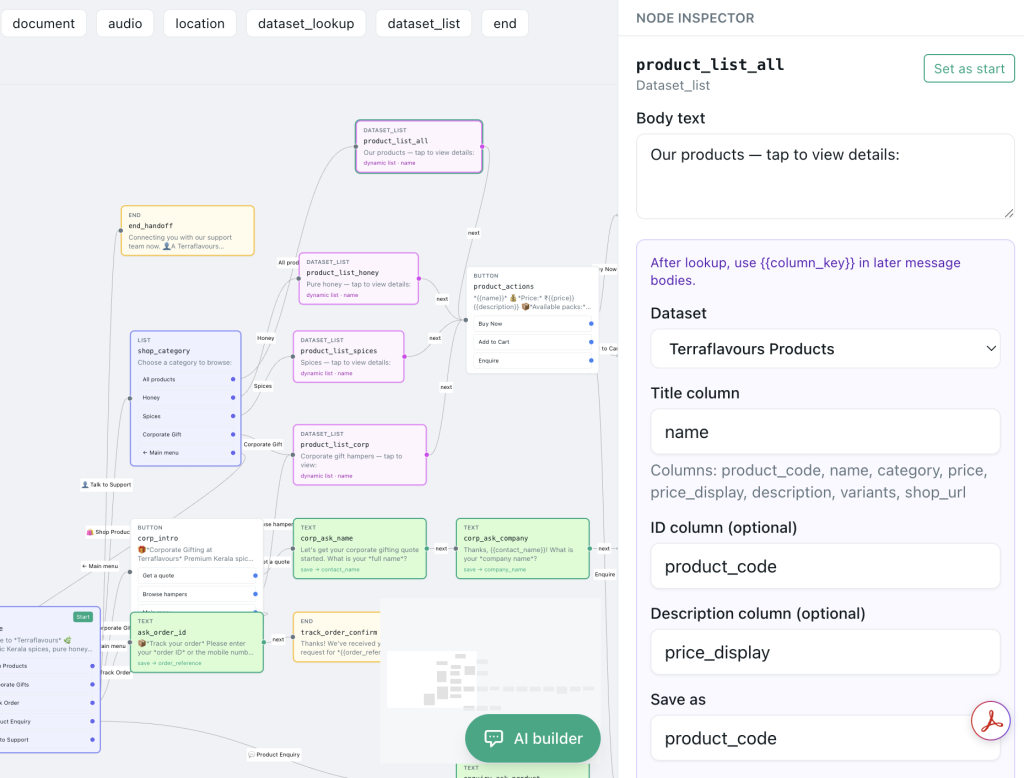
- Add message nodes (text, media, documents, location as supported).
- Connect branches for each customer choice.
- Keep drafts inactive until tested.
- Use the dry-run / test panel — Pyngdesk supports testing without sending to WhatsApp.
- Activate only when the path is clear and the handoff works.
- Pair with Quick Replies (
/quick-replies) so humans stay fast after takeover.
Tip: Name nodes by intent (menu_main, send_location), not node_14, so teammates can edit later.
Copy tips that feel human
| Robotic | Better |
|---|---|
| “Please select from the following options to proceed.” | “What do you need — prices, location, or a person?” |
| “Your request has been registered.” | “Got it — we will reply after 10:00.” |
| “Invalid input.” | “Reply with 1, 2, or 3 — or just type your question.” |
Allow free text whenever possible. Buttons speed paths; typing is how real humans ask weird, valuable questions.
Measure whether the flow converts
Define conversion per flow:
- Location shared → footfall enquiry
- Price card sent → “book/order” reply
- Lead branch → qualified chat opened in Chats
Watch for:
- Drop-offs after the second menu (too deep)
- Immediate “human!!” replies (menu labels unclear)
- High block rates after bot messages (tone or frequency issues)
Iterate weekly. Flows are products; ship small improvements.
Common mistakes
- No escape to human
- Menus deeper than three levels
- Outbound spam dressed as a “flow”
- Activating without dry-run
- Mixing marketing blasts into support bots
- Forgetting business hours honesty
Flow launch checklist
- Single clear job stated in the welcome line
- Human handoff path on the first menu
- Media/location assets load correctly in dry-run
- Language matches customers
- Inactive draft tested before go-live
- Staff know when the bot stops and Chats takes over
- Opt-out / block process still honoured by humans
Frequently Asked Questions
Do flows replace templates?
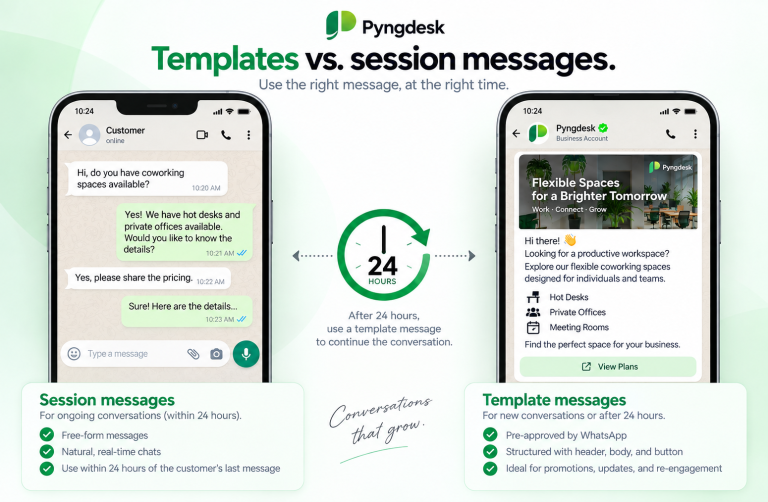
No. Templates are for approved outbound structures. Flows guide interactive sessions, especially when users message you.
Can I test without messaging real customers?
Yes — use Pyngdesk’s dry-run / test panel so WhatsApp is not contacted.
Should sales and support share one flow?
Start with one intent router, then split specialised flows as volume grows.